
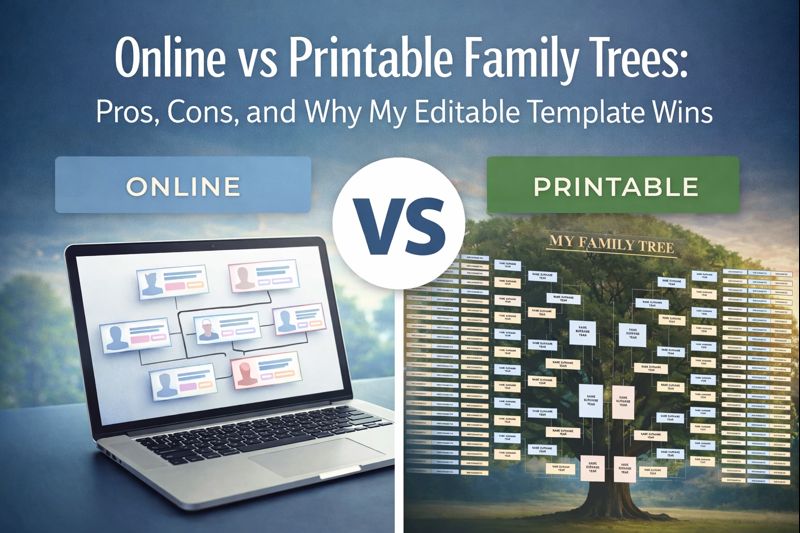
I trace Slovak ancestry daily for U.S. clients, and family trees are core to every project. Online trees speed up research, but printable ones deliver control and legacy. Free online templates exist, but they lack depth for serious work — that’s why I created my 8-Generation Family Tree Template in MS Word.
Online Family Trees: Fast but Risky
Online platforms like Ancestry or FamilySearch dominate quick builds.
Pros
- Accessibility and collaboration. Online trees (Ancestry, MyHeritage, FamilySearch) allow relatives to view, edit, and expand your research from anywhere. Great if you want to build network effects and get hints from shared data.
- Built-in research tools. Online platforms automatically suggest historical records, saving manual searches. Useful for fast progress.
- Cloud backup. No risk of file loss — data is stored on secure servers (as long as the platform exists).
- Integration. You can attach photos, documents, DNA results, and source links directly.
Cons
- Data ownership risk. You don’t fully control your data. Some platforms grant themselves usage rights to your tree or media.
- Subscription dependency. Once you stop paying, you lose full functionality or access to source collections.
- Security and privacy issues. Living relatives’ data may be exposed if privacy settings are misused.
- Platform lock-in. Exporting GEDCOMs doesn’t replicate attached media, notes, or relationships perfectly. Once built, switching platforms wastes hours.
- Poor print output. Exports distort on paper, no custom layouts.
These work for research phases, but not final presentation.
Printable Family Trees: Controlled but Manual
Printables force clarity — one page reveals research gaps fast.
Pros
- Offline durability. Printed trees work as long as paper exists — no passwords or servers required.
- Archival value. A printed tree can be preserved physically, framed, or gifted, making it ideal for family reunions or memory books.
- Focus and clarity. Visualizing data on one page often reveals gaps or inconsistencies that digital interfaces hide.
Cons
- Manual updates. Adding new generations or corrections requires reprinting. Reprinting is needed if new ancestors are discovered over time.
- Limited depth. A wall chart or pedigree form can’t show attached media or multiple document layers. Generic designs from Canva or PDFs lack editability.
- Sharing friction. Sharing requires scanning or mailing, not instant collaboration.
- Design limits. Building from scratch in Word takes hours.
Free templates help beginners, but pros need pro tools.
My 8-Generation Template: The Scalable Fix
My MS Word template bridges both worlds: editable online, prints perfectly. It maps 8 generations (over 250 ancestors) in a tree layout with pro fields for birth/death dates, places, spouses, and notes – tailored for Slovak-U.S. lines like Habsburg-era villages to Chicago arrivals.
See the layout: central trunk for you, branches to all of your great-great-grandparents. Download once from slovakiaroots.com, tweak forever in Word.

Why buy mine over free?
- Fully vector-editable: Resize, recolor, add your individual touch.
- Print-ready: A1/A2, high-resolution.
- Genealogy-optimized: All relationships are clearly visible with lines.
Grab it here: 8-Generation Family Tree Template. Pairs with my ebooks for full workflows.
Decision Framework
Start online, finish printable. This setup scales your genealogy business — my clients love shareable prints.
Practical Recommendation
For active researchers, an online tree is the main workspace: searchable, backed up, constantly updated. For presentation, hanging on a wall, archiving, or legacy planning, use a printable version as a static snapshot. In practice, both coexist: online for research efficiency, printable for family legacy.